Make map thumbnails a clickable modal / popup

Have any bright ideas? Share and discuss them with the community

Moderator: Community Team

Forum rules
Please read the Community Guidelines before posting.

And don't forget to search for previously suggested ideas first!
Post Reply
User avatar
Dr Madvibe
Posts: 13
Joined: Sun May 30, 2010 6:29 pm
Gender: Male
Location: My Southsea island

Make map thumbnails a clickable modal / popup

Post by Dr Madvibe »

I searched for this before posting and see it's been suggested before... but over 10 years ago!

At present, for example on the game finder page, map thumbnails open in the same page. If you've already filled in some search criteria, click the tiny tiny thumbnail and then go back, all the search fields are lost.

I suggest when making clicking on a map thumbnail, it opens a modal or popup.

You know it makes sense. It's a quick win. Let's get it done.

Thanks for reading...

and actioning ;-)
User avatar
IcePack
Multi Hunter
Multi Hunter
Posts: 16847
Joined: Wed Aug 04, 2010 6:42 pm
Gender: Male
Location: California

Re: Make map thumbnails a clickable modal / popup

Post by IcePack »

I don’t lose my search criteria when i hit the back button?
I know other areas do produce a pop up.

Youvmention game finder, so I tried that specifically. When I hit back all checked boxes and map selection stayed
Image

fac vitam incredibilem memento vivere
Knowledge Weighs Nothing, Carry All You Can
User avatar
LiveLoveTeach
Posts: 375
Joined: Tue Oct 27, 2015 8:35 am

Re: Make map thumbnails a clickable modal / popup

Post by LiveLoveTeach »

IcePack wrote:I don’t lose my search criteria when i hit the back button?
I know other areas do produce a pop up.

Youvmention game finder, so I tried that specifically. When I hit back all checked boxes and map selection stayed


Ice, try this:

If you go to game finder, and select, for example...
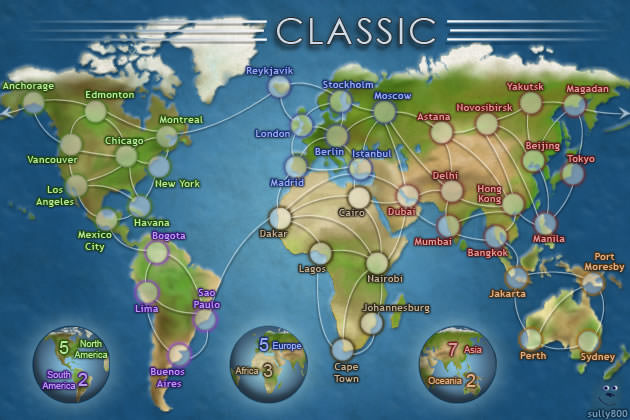
Classic map
4 players, Doubles
Auto, Sequential, Escalating, Chained, 24hr turns...
Waiting, Public games

Then search...

Then click the little thumbnail of the classic map next to the list of maps, your game finder page is taken to this page: http://www.conquerclub.com/static/maps/Classic.S.jpg - but in the same tab/page, not as a pop up, new tab, etc. If you click the back button, everything you had checked off on the original search is gone.

If you click the thumbnail on one of the games that comes up in the search, that link to the larger image of the map will open in a new tab. It only does this if you click the thumbnail that is next to the map list.
Post Reply

Return to “Suggestions”